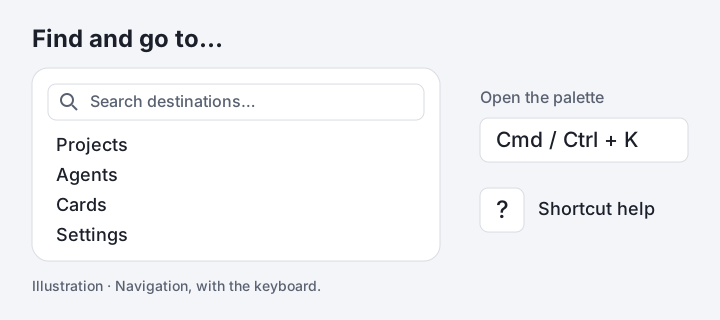
Find projects, agents, cards and settings
Open Find and go to… from the sidebar, or press Cmd+K / Ctrl+K. Search projects you can access, agents and cards from the current project, and settings; use the arrow keys and Enter to go. Press ? to see the shortcuts available on the current page.
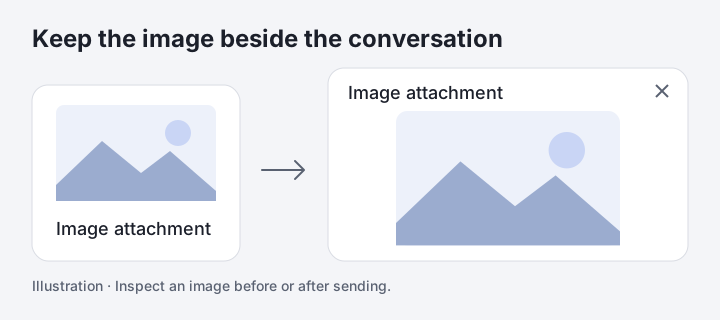
Keep uploaded images in view
Image attachments show thumbnails in the Terminal and New task conversations, before and after sending. Select a thumbnail to inspect the image in a dialog; Escape closes it and returns focus. PNG, JPEG, GIF and WebP images can be previewed, while other files keep their download links.
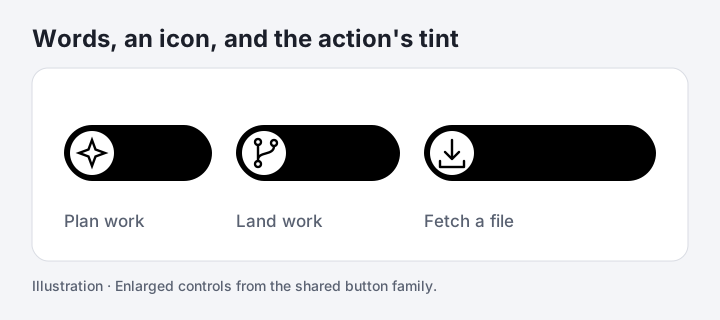
Compact actions pair words with icons
Small actions across the Board, conversations and settings use rounded buttons with an icon beside the label. Plan and Start use lilac, Merge uses mint, and Open and Download use sky. Touch targets extend beyond the visible button, and reduced-motion preferences are respected.
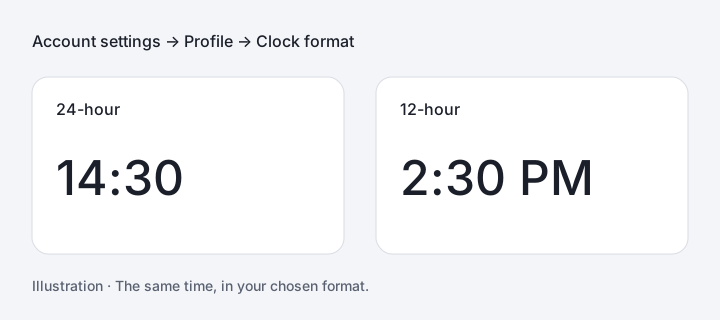
Choose how the clock reads
Account settings → Profile now offers 24-hour or 12-hour time. Clock times and full timestamp tooltips follow the account choice. Relative labels and elapsed durations keep their existing format.
Home brings the project up to date
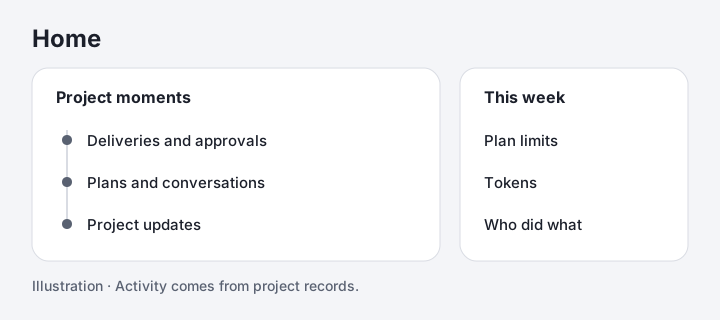
Projects open on Home, a catch-up page built from project records. The feed brings together deliveries, approvals, plans and conversations. This week adds coding-tool plan limits, tokens and who did what; the Board remains the place to start work.
Pricing is on the site
The pricing page lays out Solo, Team and the hosted machine plan that is coming soon. Every plan is free until billing starts.
The board starts the work
Stack specced cards, select several, press Deploy. Your own Claude reads the repo and proposes how to split them across agents; you edit the split and accept. Each agent takes one branch and one worktree and works its cards one at a time, then hands you the whole branch to approve or send back. The Workbench is still there for driving a session by hand.
The Workbench
Your Claude sessions as tabs — each a held conversation with its own worktree on your machine, reachable from any device. Your own Claude is now the only AI in the product; cards track what each session delivers, and shipping merges the branch. Diffs arrive pushed straight from your machine — no GitHub app to install.
Code wiki
The daemon keeps a searchable, visual map of your repository so your own Claude — and your team — can ground work in the real codebase.
Subscribe via RSS, or write to hello@flowviant.com.